
What does Microduck cost?
Short answer: Microduck costs $399 before taxes and shipping. The Charger and Accessory packs are $39 each, the Dev pack is $119, and every item is a one-time purchase with no subscription. Your checkout total depends on the configuration and delivery address; training compute is a separate optional cost only when you choose to train policies.
This page explains the published prices and the costs that sit outside the sticker price. It is the cost guide, while the pre-order page is the live checkout and the where-to-buy guide explains the ordering process.
How much does Microduck cost?
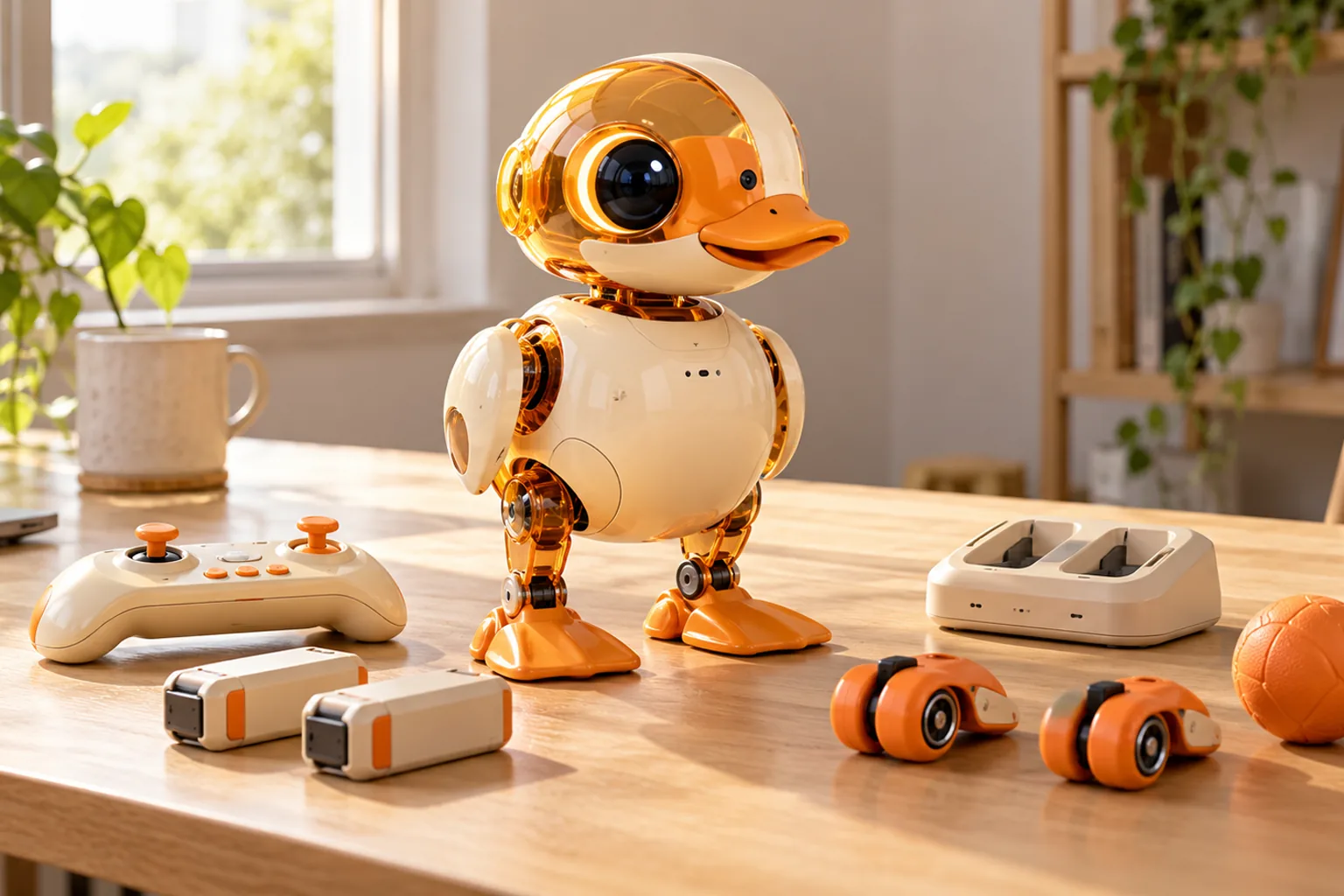
The standard Microduck robot is $399 before taxes and shipping. That price includes the assembled robot, one battery, a USB-C cable, a game controller and seven trained moves. You can drive it on day one without buying another product.
| Item | Published price | Required? | What it adds |
|---|---|---|---|
| Microduck robot | $399 | Yes, for a robot order | Robot, battery, USB-C cable, controller and seven trained moves |
| Charger pack | $39 | No | Dual charger and two spare batteries |
| Accessory pack | $39 | No | Rollers, ball, laser pointer, NFC polaroid and ten NFC tags |
| Dev pack | $119 | No | Spare motors and cables, batteries, charger, tools, NFC tags and Hugging Face credit |
All four prices are before taxes and shipping. The robot is complete without a pack, so the base price is also the minimum hardware cost shown on this site.
What does each Microduck configuration cost?
The following totals combine published product prices. They do not estimate tax, delivery, import charges or optional training compute.
| Configuration | Before taxes and shipping |
|---|---|
| Microduck only | $399 |
| Microduck + Charger | $438 |
| Microduck + Accessory | $438 |
| Microduck + Dev | $518 |
| Microduck + Charger + Accessory | $477 |
| Microduck + all three packs | $596 |
Those totals are useful for comparing bundles, but they are not checkout quotes. The order page remains authoritative if a price or pack changes.
What do the three Microduck packs add?
Each pack serves a different job. None of them makes the robot operational; the standard kit already does that.
Charger pack: longer sessions
The $39 Charger pack includes a dual charger and two spare batteries. It is the practical add-on if you want to keep one battery charging while the robot uses another. Battery life depends on the movement and surface, and Pollen Robotics does not publish one fixed runtime for every session.
Accessory pack: the physical play set
The $39 Accessory pack contains two rollers, a ball, a laser pointer, an NFC polaroid and ten NFC tags. These are the props used by the shipped moves and experiments. The pack comparison explains what each item changes.
Dev pack: spares and tools
The $119 Dev pack is the repair-and-experiment kit: three spare motors, five motor cables, two batteries, a dual charger, ten NFC tags, a screwdriver, a screw pack and a Hugging Face credit. It makes sense for owners who expect to open the robot, replace wear items or iterate on hardware and policies.
You do not need the Dev pack to use the Python SDK or train a policy in simulation. The training guide starts with software and hardware already included in the robot.
Are taxes, shipping and import fees included?
No. The $399 robot price and the pack prices are shown before taxes and shipping. Both are calculated at checkout for the delivery address and displayed before payment.
Depending on the destination, a carrier may also handle import paperwork or collect duties on delivery. The amount shown at checkout and the order confirmation are the reference for what this site charges at the time of purchase. This page does not promise a landed price for every country.
Is there a Microduck subscription or cloud fee?
No. Microduck is a one-time purchase with no required monthly subscription. The robot's controller does not need a companion app, and the Python SDK and simulator do not require a paid cloud account.
Optional online compute is different from an ownership subscription. You can run training locally on suitable hardware, or use a hosted compute service such as Hugging Face Jobs. A hosted service may bill for the compute you consume, but that is a separate choice rather than a recurring Microduck fee.
Do you need a GPU to train Microduck?
You do not need a GPU to buy, drive or program the robot. The seven shipped policies already run onboard at 50 Hz.
For training new reinforcement-learning policies, the practical local setup uses a CUDA workstation. Hugging Face Jobs is the documented alternative for people without that hardware. The Dev pack includes a Hugging Face credit, but this site does not publish a fixed training bill because run time, simulation settings and the service you choose determine the cost.
The safest budget rule is to separate the robot purchase from experimentation:
- Driving and first Python session: no extra compute purchase.
- Browser simulator: no Microduck hardware or paid Microduck subscription.
- Local training: hardware you already own or plan to buy.
- Hosted training: usage-based cost from the selected compute provider.
Which configuration is the best value?
For most first orders, the $399 robot alone is the strongest starting point. It includes everything needed to drive, program and simulate. Buying packs later is possible because they are separate products.
The segmented answer is simpler:
- Choose Charger if longer desk sessions are the priority.
- Choose Accessory if you want the physical props behind roller mode and other moves.
- Choose Dev if repairs, spare parts and hands-on modification are part of the plan.
- Choose robot only if you want to learn the software before spending on extras.
- Skip all three if the budget is fixed; the core robot experience is unchanged.
The buyer's guide goes further into who the robot fits. The alternatives page is the honest next stop if you are comparing the total cost of buying, building or choosing a different robot.
Is Microduck worth $399?
Microduck is worth considering at $399 if you want an assembled, programmable biped with a published Python SDK, simulator and reinforcement-learning stack. It is not the cheapest desk robot and it is not a sealed assistant. The value is in the walking hardware plus the ability to inspect and retrain the policies.
Microduck is unlikely to be the right purchase if you need a push-button companion, a fully open hardware manufacturing kit or a robot that performs household tasks. The comparison hub and reviews guide make those tradeoffs explicit.
Microduck cost FAQ
How much does Microduck cost? The robot costs $399 before taxes and shipping. Optional packs are $39 for Charger, $39 for Accessory and $119 for Dev.
Is there a subscription? No. Microduck is a one-time purchase with no recurring product subscription.
Do I need the Dev pack to train a policy? No. Training happens in simulation using the public software stack. The Dev pack adds spare parts and tooling for owners who also want to open or repair the hardware.
Does training require paid compute? Not necessarily. You can train locally on suitable CUDA hardware or pay a hosted provider such as Hugging Face Jobs. The choice and cost are separate from buying the robot.
Are taxes and shipping included? No. Taxes and shipping are calculated at checkout for the delivery address and shown before payment.
Key takeaways
- The base robot is $399 before taxes and shipping.
- All three packs are optional, and a fully packed order is $596 before taxes and shipping.
- There is no mandatory subscription or paid cloud account.
- Training compute can cost extra only if you choose hosted compute or need to buy local GPU hardware.
- Use the pre-order page for the current checkout price and this page for the ownership-cost context.
Where to go next
- Pre-order Microduck - current packs and checkout
- Charger, Accessory and Dev compared - what each pack includes
- Microduck buyers guide - who the robot fits
- How to train Microduck - the optional compute path
- Microduck FAQ - short answers to common questions