
Microduck training compute: GPU, Linux and cloud
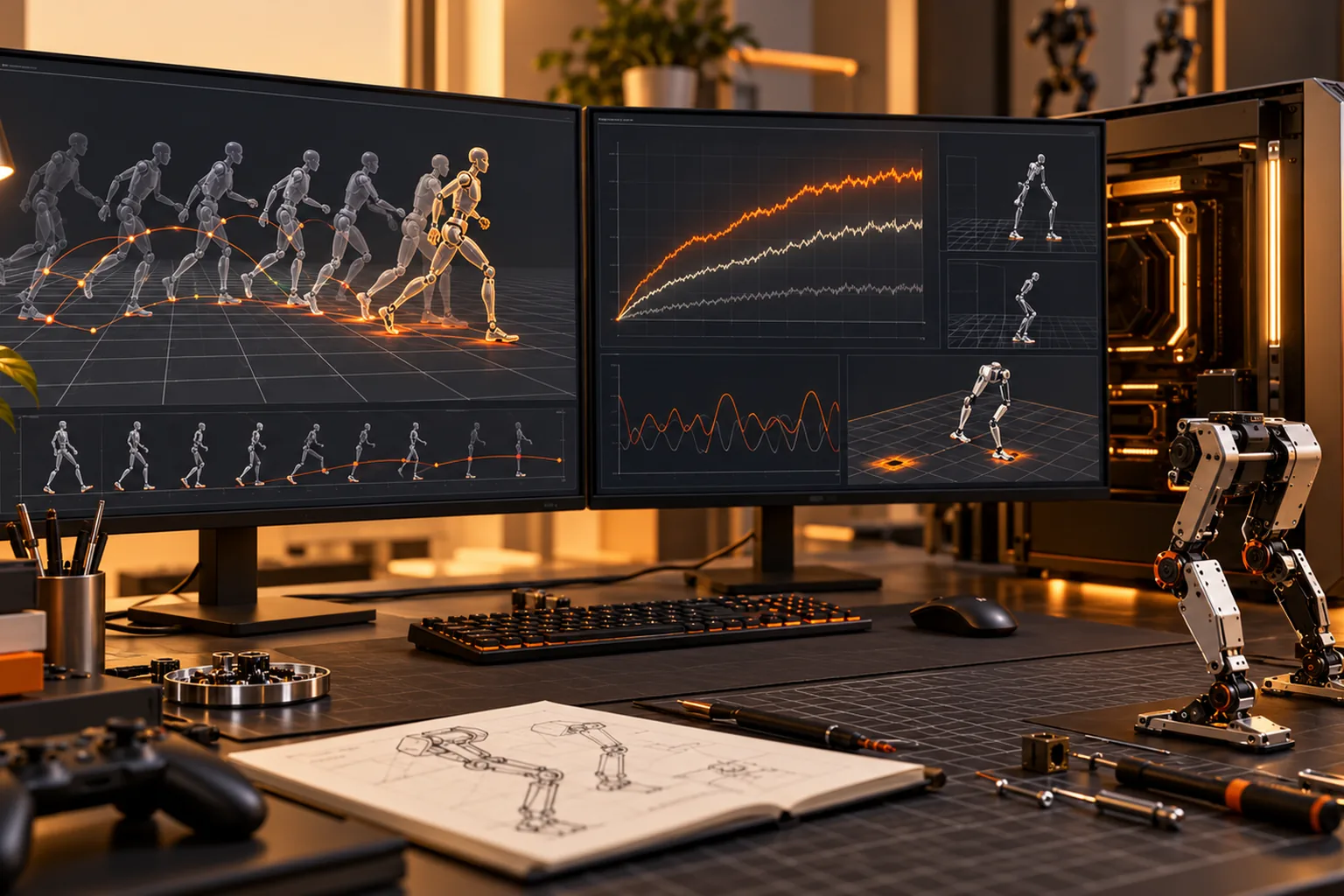
Short answer: Driving and programming Microduck needs no GPU. Training a new policy is different: use Linux x86_64 with Python 3.12, and treat a CUDA-capable NVIDIA GPU with at least 8 GB of memory as the practical local baseline. Use Hugging Face Jobs when you do not own that hardware. Validate the exported ONNX policy in simulation, then CPU MuJoCo, then on the robot before trusting it near an edge.
This page is the compute decision guide that sits beside the full Microduck training walkthrough. It answers what to buy, what can run locally, what belongs in the cloud and how to tell whether an apparently successful training run is ready for hardware.
What hardware does Microduck training need?
Microduck separates three workloads: driving the finished robot, running simulation and evaluation, and training a new policy. You only need a strong GPU for the third.
| Workload | Practical hardware | Is a GPU required? |
|---|---|---|
| Drive the assembled robot | Robot, charged battery and supplied game controller | No |
| Use the Hugging Face browser simulator | A modern browser | No |
| Run small local simulation or evaluation experiments | Linux-class computer with Python 3.12 | No, but expect slower runs |
| Train a useful locomotion policy locally | Linux x86_64, Python 3.12, CUDA-capable NVIDIA GPU, 8 GB or more recommended | Yes for practical runs |
| Train without owning a GPU | Hugging Face Jobs or another documented compatible compute service | No local GPU |
The robot itself runs the finished policy onboard at 50 Hz. A laptop is not part of its balance loop. That separation is why a modest computer can drive and demo the robot while a larger machine handles training.
Why is Linux recommended for training?
Linux x86_64 is the recommended environment because CUDA, Python and the simulation stack are easiest to reproduce there. Python 3.12 matches the current mjlab training path described in the Microduck training repository.
Do not turn a driver problem into a robotics problem. Install the supported system, clone the matching repository revision, follow its lockfile and test the stock environment before changing a reward or model. A training install that fails at CUDA initialization cannot tell you anything about a walking policy.
If you work on Windows or macOS, use the browser simulator for early learning and verify the current training repository's supported path before buying hardware. The documented local-training route is not a promise that every operating system and GPU combination is equally tested.
Is an 8 GB NVIDIA GPU enough?
An NVIDIA GPU with 8 GB of memory or more is the practical starting point for local Microduck locomotion training. Memory consumption changes with environment count, observations, network size and simulation settings.
Start below the maximum your GPU can hold. A run that barely fits and swaps or crashes wastes more time than a smaller run that produces a learning signal. Increase the number of environments only after a short baseline run finishes and the evaluation is stable.
GPU memory is not the only limit. CPU speed, simulator throughput and storage can all bottleneck a training job. Watch the actual run rather than assuming that a larger GPU automatically fixes a poorly sized configuration.
Should you train locally or with Hugging Face Jobs?
Train locally when you already own a suitable CUDA machine, want interactive experiment speed and can keep the machine clean and cooled. Use Hugging Face Jobs when you need short access to a stronger GPU, do not want to maintain the driver stack, or need to run experiments from a machine that cannot host a GPU.
| Factor | Local NVIDIA workstation | Hugging Face Jobs |
|---|---|---|
| Up-front cost | GPU hardware and power | Usage-based service cost |
| Control | Full access to drivers, storage and processes | Platform-defined environment and limits |
| Repeatability | Depends on your machine maintenance | Better isolation if the job recipe is pinned |
| Experiment loop | Fast when everything is local | Requires packaging, upload and job monitoring |
| Best for | Frequent training and debugging | Occasional training, temporary capacity and no local GPU |
Batch size and environment count affect total memory. A hosted GPU is not automatically faster than a tuned local job, and a local GPU is not cheaper if maintaining it prevents experiments.
How long does Microduck training take?
There is no single correct training duration. It depends on the behaviour, environment count, reward design, simulation speed and hardware. A first custom policy is a project measured in days to weeks rather than a fixed preset.
Short runs are still valuable. Use them to catch reward mistakes, exploding observations and obviously unsafe movement before paying for a long job. The shipped environments define the observation and action contract; changing that contract carelessly creates a policy the robot cannot load.
Judge progress with replays and task metrics together. A reward curve that rises while the robot drags itself sideways has taught you something about the reward, not a useful gait.
How do you validate a trained policy?
Validate a trained policy in stages: the training simulation, a clean replay, the CPU MuJoCo simulator, then the robot on a stand, and only then open floor with an operator ready to stop it.
Before hardware, run the official export script so the observation normalizer is baked into the ONNX graph. Check the policy manifest, observation length of 61 values, action length of 14 values and the required robot and daemon API version. Keep the official walk policy available so robotctl policy reset is a known recovery path.
Do not treat a successful ONNX load as a safety test. A policy can load correctly and still command a poor movement. Start with the robot supported, clear the area and watch robotctl health before giving it space.
What should you install first?
Install in this order: the browser simulator for orientation, the robot repository for the runtime and SDK, then the training repository in its supported Linux environment. Run one stock environment before adding a custom reward.
The Microduck simulator guide covers the no-hardware start. The Python SDK guide covers the first physical commands. The policies guide covers ONNX export, manifests and safe installation.
Pinning the repository revision is part of the compute plan. A CUDA environment that works with today's code can fail tomorrow if a dependency moves, so record the commit and lockfile before a long experiment.
Microduck training compute FAQ
Do I need a GPU to drive Microduck? No. The finished policy runs onboard, and the supplied controller drives the robot without a laptop or GPU.
Can I train Microduck without an NVIDIA GPU? You can run small experiments on CPU, but practical local training uses a CUDA NVIDIA GPU. Hugging Face Jobs is the alternative when local training hardware is not available.
How much GPU memory should I get? Plan for at least 8 GB as the recommended local starting point and size the number of environments to the actual memory limit.
Can I use macOS or Windows for training? The documented local training path recommends Linux x86_64. Use the browser simulator anywhere, and verify the current repository support before committing to a local OS-specific setup.
Does a high training reward mean the policy is safe? No. Reward is the training objective. Validate movement in simulation, on a stand and at low speed with the official policy available for reset.
Key takeaways
- Driving and browser simulation do not require a GPU.
- Local policy training recommends Linux x86_64, Python 3.12 and an NVIDIA GPU with 8 GB or more.
- Hugging Face Jobs is the no-local-GPU route.
- Short runs catch reward and memory mistakes before long jobs.
- Validate the exported ONNX policy in simulation, on a stand and then on open floor.
Where to go next
- How to train Microduck - the complete simulation-to-robot workflow
- Microduck simulator - start without hardware
- Microduck policies - ONNX format, manifests and safe policy swaps
- Microduck GitHub - repositories and contribution paths
- Microduck cost - robot, packs and optional training compute