
Microduck support: orders, delivery and repairs
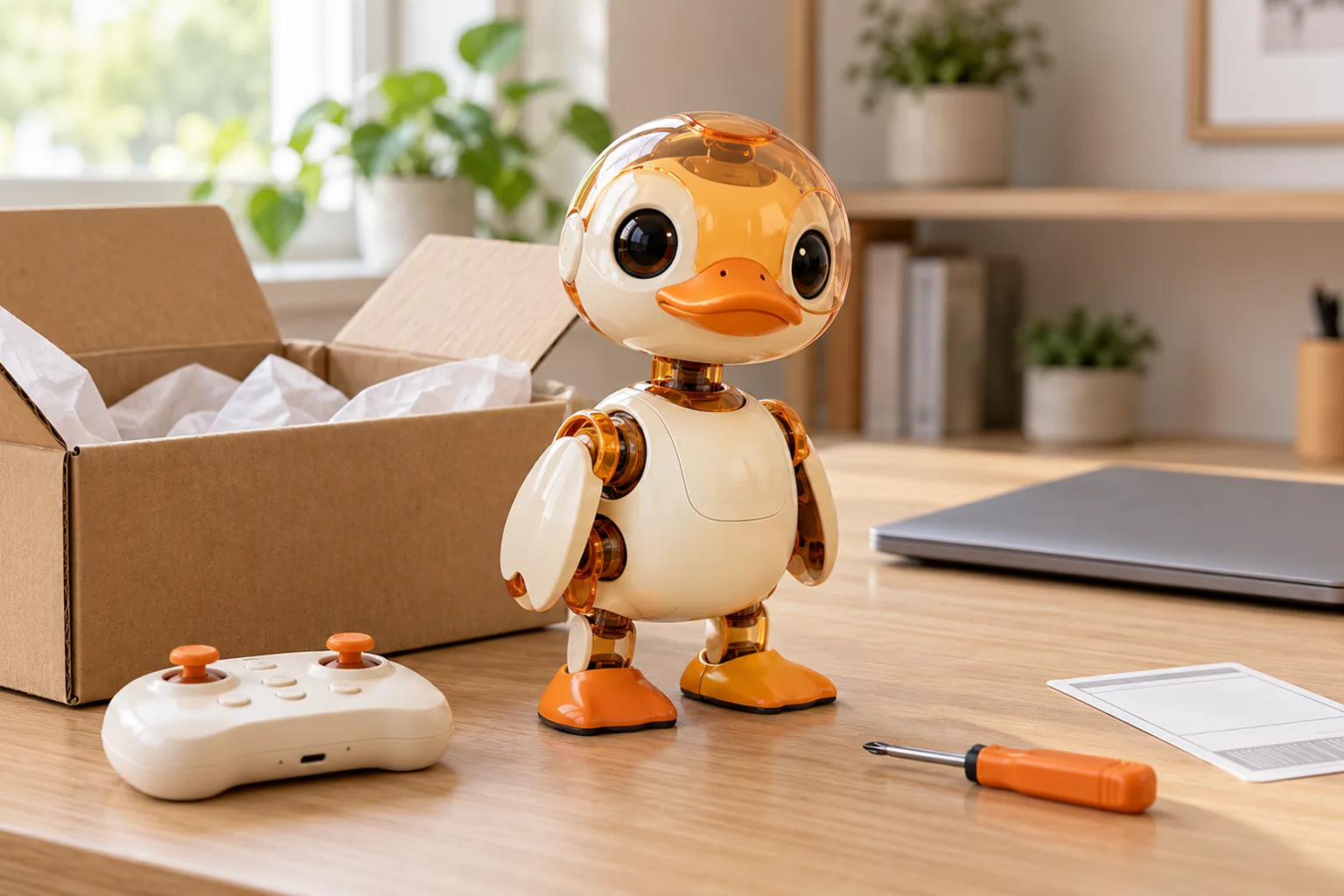
Short answer: For anything tied to a Microduck order, email support@microduck.homes with the order number from your payments page. Address, colourway and cancellation requests are handled against the current order stage. For a hardware fault, include a short video plus robotctl version and robotctl health output. The site does not publish a separate warranty schedule, so support handles hardware and order-specific cases directly.
This page is the route map for order and after-sales help. Technical fixes belong in the troubleshooting guide; the shipping process is explained in the shipping timeline.
How do I get Microduck support?
Email support@microduck.homes. Include the order number in the subject line or first sentence whenever the question relates to a purchase.
The same inbox handles:
- order and payment status
- address or colourway changes
- cancellation and return questions
- damaged or missing items
- spare-part and repair questions
- school, club and lab order enquiries
Using one route keeps the conversation tied to the order. For a reproducible software bug that is not account-specific, the public GitHub issues can be more useful because the fix can help other owners too.
How do I check my Microduck order status?
Sign in to microduck.homes and open Payments. The order is tied to your account and remains visible there through colourway matching, production and shipping.
The public Updates page is the place for batch and production news that applies to the project as a whole. Your payments page is the place for information about your specific order.
If the two seem to disagree, email support with the order number. Do not send payment card details, passwords or authentication codes by email.
Can I change my address, colourway or pack?
Yes, you can ask. Changes are easiest before an order is packed.
Send the order number and the exact change to support@microduck.homes. For an address change, include the full new delivery address so support can compare it with the order. Colourway matching is handled case by case, as explained on the colourways page.
Do not assume a change has been applied until support confirms it. If your parcel has already shipped, an address change may need to be handled with the carrier instead.
Can I cancel or return a pre-order?
Email support with your order number as early as possible. The available options depend on the order stage and the terms that apply to it.
This page does not create a separate return window or promise a cancellation outcome. It centralizes the request and points to the Terms of Service. Send the request before attempting to return hardware; support will provide the correct instructions if a return is possible.
What should I do if Microduck arrives damaged?
Stop and document the problem before trying a repair:
- Take a clear photo of the packaging and damage.
- Record a short, safe video showing the symptom.
- Keep the robot powered off if there is heat, smoke, a swollen battery, a damaged cable or a visibly broken joint.
- Email support with the order number and evidence.
Do not send the robot back before support gives you return instructions. For a battery that is hot, swollen, leaking or physically damaged, say so in the first line of the email and stop using or charging it.
Is there a Microduck warranty?
The site does not publish a separate warranty schedule. Support handles a hardware issue against the order and its circumstances rather than this page promising a blanket coverage period.
That does not change any rights provided by applicable consumer law. If the answer matters to your purchase decision, ask support before ordering rather than relying on a third-party summary.
How do I request a repair or spare part?
Start with the symptom, not a guessed replacement. The maintenance guide covers batteries, charging, cleaning, wear and safe handling. The troubleshooting guide covers power, controller pairing, walking, policies and updates.
If the problem remains, email support with:
- order number and shipping country
- robot colourway and version
- a ten-second video from a safe angle
robotctl versionoutputrobotctl healthoutput- what happened immediately before the fault
The Dev pack includes three spare motors, five motor cables, batteries, a charger, tools and NFC tags. It is described on the accessories page. Buying a spare part does not replace the need to diagnose a repeated fault, especially if a joint trips or a battery behaves unusually.
What should I include in a support email?
A useful order email contains:
- Subject: order number and one-line issue
- Order number
- Delivery country
- What you expected and what happened
- Relevant dates
- Photos or a short video
- Robot version and
robotctl healthoutput, when the issue is hardware or software
Keep attachments small enough to send normally. Never include a full card number, Stripe secret, password or one-time authentication code.
How do I get technical help faster?
Use the symptom-first troubleshooting page before opening the robot:
- Put the robot on a firm, level surface.
- Confirm the battery is seated and charged.
- Run
robotctl health. - Check controller pairing and policy status.
- Try the official documentation before changing multiple settings.
For reproducible bugs, check the GitHub issue tracker. For a hardware fault or an order-specific question, keep the conversation in email so it stays attached to the purchase.
Microduck support FAQ
How do I contact Microduck support? Email support@microduck.homes and include your order number for order-specific help.
Where can I see my order status? Sign in to microduck.homes and open Payments. The Updates page carries project-wide production news.
Can I change my address or colourway? Ask support with your order number. Changes are easiest before the order is packed and are confirmed case by case.
Is there a published warranty period? No separate warranty schedule is published. Support handles hardware cases against the order and the circumstances.
Should I return a robot before contacting support? No. Wait for return instructions so the parcel reaches the right place and the case is tied to your order.
Key takeaways
- Email support with the order number for anything tied to a purchase.
- Check your own order in Payments and project-wide progress on Updates.
- Do not send back hardware until support provides instructions.
- Record safe evidence before troubleshooting a damaged robot further.
- Use the maintenance and troubleshooting guides for diagnosis, but keep order-specific cases in email.
Where to go next
- Microduck shipping timeline - what happens after checkout
- Updates - current project and production news
- Microduck maintenance - battery, charging and care
- Microduck troubleshooting - symptom-first fixes
- Terms of Service - the terms that apply to an order