
Best Python Robot Kits in 2026: 6 Programmable Robots
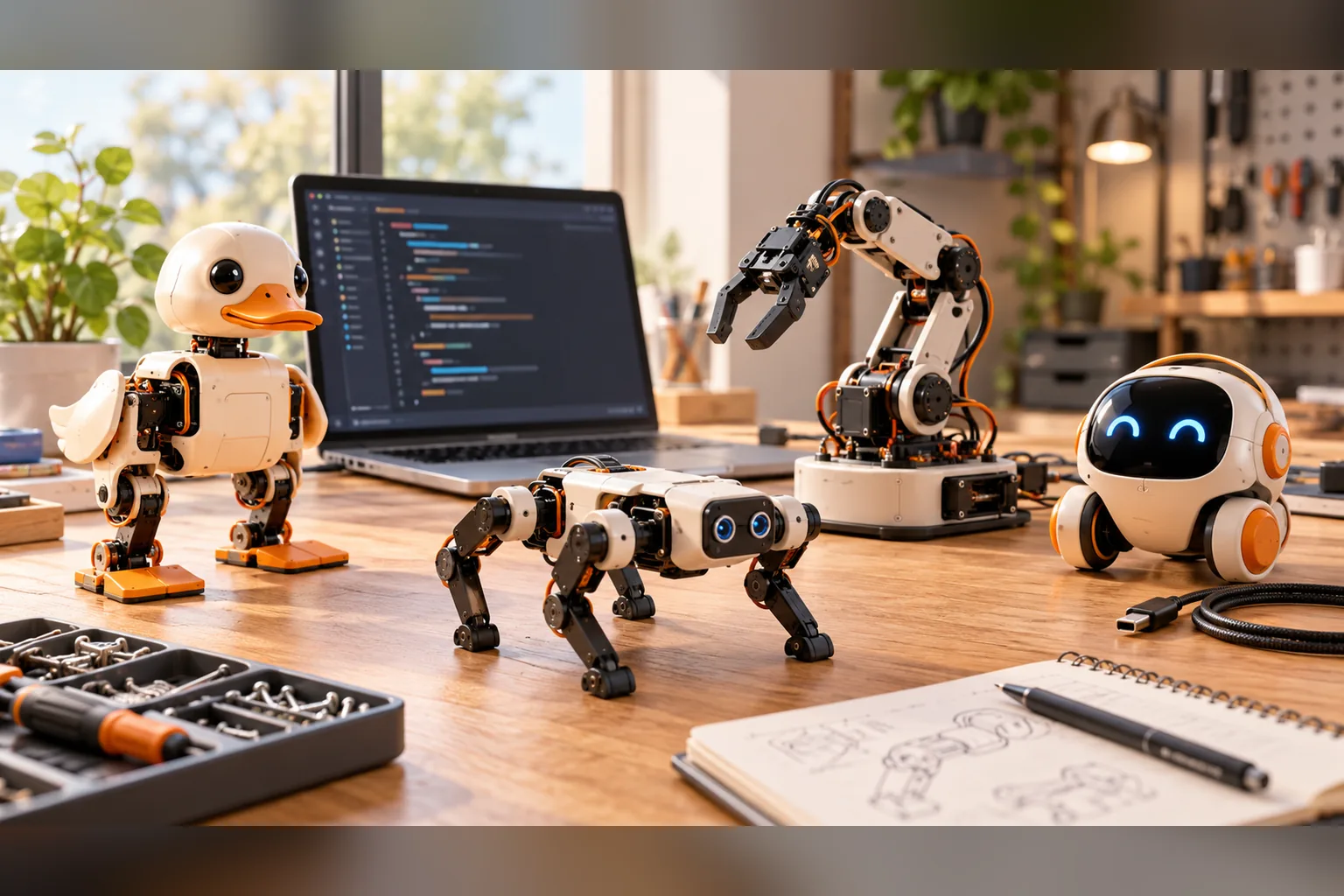
The best Python robot kit is the one whose first useful project matches your goal. For a classroom, Petoi Bittle X offers the gentlest four-legged entry. For sim-to-real locomotion, Microduck is the assembled option. For manipulation, LeRobot SO-101 is the focused learning arm. Reachy Mini is strongest for interactive apps, Open Duck Mini for a full build and TonyPi for a conventional humanoid platform.
This page compares programming paths and ownership trade-offs, not just whether a product mentions Python somewhere in its documentation. We make Microduck, so we disclose that conflict directly: the ordering below is by use case, not a claim that our robot is the universal winner.
Prices were checked on 27 October 2026. Taxes, shipping, accessories and 3D-printing costs are separate unless stated.
What makes a good Python robot kit?
A useful Python robot kit has four things: a maintained SDK, exact hardware documentation, a project that produces visible feedback, and a realistic upgrade path. A Python install guide alone is not enough if the hardware cannot expose sensors or run the learner's code.
The strongest choice changes by objective:
- First programming project: Petoi Bittle X.
- Walking policy training: Microduck.
- Manipulation and imitation learning: LeRobot SO-101.
- Expressive apps and interaction: Reachy Mini.
- Fully open mechanical build: Open Duck Mini v2.
- Humanoid kit with Raspberry Pi demos: TonyPi.
How did we evaluate these Python robot kits?
We compared six products against official documentation and live maker pricing on 27 October 2026. The criteria were Python support, source availability, simulator or training path, assembly burden, hardware expansion and total ownership cost.
This is a documentation-based editorial comparison, not a new hands-on benchmark. We name where a product's Python path is a control SDK, a training platform or a set of examples so those claims are not treated as equivalent.
Quick comparison: best Python robot kits
| Robot | Current price signal | Python path | Assembly | Best fit |
|---|---|---|---|---|
| Petoi Bittle X | $319-$469 | OpenCat with Python, C++ and block coding | Partial kit or pre-assembled | Classroom and first robotics projects |
| Microduck | $399 | Python SDK, simulator and RL training | Assembled | Walking and sim-to-real policy work |
| LeRobot SO-101 | $121.94-$229.88 parts | LeRobot Python stack | Print, source and assemble | Manipulation and imitation learning |
| Reachy Mini | $399-$499 | App and JavaScript ecosystem | Lite needs a host computer | Interaction and creative apps |
| Open Duck Mini v2 | Under $400 BOM target | Community runtime and training code | Full DIY build | Mechanical and software ownership |
| Hiwonder TonyPi | $599.99-$869.99 | Python programming and Raspberry Pi examples | Ready-made kit | Humanoid gestures and vision demos |
Petoi Bittle X - best for a first classroom robot
Bittle X is a small quadruped robot dog that supports C++, Python and block-based coding. The OpenCat framework and extensive classroom material make it easier to get a group from first movement to a programmed behaviour.
Current pricing: $319 for a construction kit with lite servos, $339 pre-assembled, and up to $469 for a pre-assembled Bittle X+Arm with alloy servos.
Key strength: four legs are stable, the product has a visible educational ecosystem, and the app gives beginners a quick first result.
Trade-off: the standard product is a programmed robot, not a full reinforcement-learning policy stack. The active Python path and robot ownership experience differ from Microduck; see Microduck vs Petoi Bittle for that comparison.
Microduck - best for walking and sim-to-real Python
Microduck is an assembled 25 cm biped with a Python SDK, browser simulator and open reinforcement-learning environments. Seven trained behaviours ship installed, but the real learning path is inspecting and replacing those policies.
Current pricing: $399 before taxes and shipping; optional packs cost $39-$119.
Key strength: the robot arrives calibrated, so Python and policy work begin without soldering or printing the body. The published stack includes the simulator, mjlab training path and ONNX policy deployment.
Trade-off: the mechanical and electronic design files are not public, interaction is limited compared with Reachy Mini, and genuine biped balance is harder than coding a wheeled robot. Start with the Python SDK guide and training workflow.
LeRobot SO-101 - best for Python manipulation
SO-101 is an open robot arm designed for the Hugging Face LeRobot ecosystem. A leader-follower setup supports teleoperation, demonstrations and policy learning around grasping and manipulation.
Current pricing: the official SO-ARM100 bill of materials listed $121.94 for one follower and $229.88 for leader plus follower using its US sourcing example, before 3D printing, tools and delivery.
Key strength: the design and workflow target the most important alternative to locomotion: using a robot to affect objects. The Python ecosystem is specifically built for learning from robot data.
Trade-off: an arm does not teach walking, balance or whole-body recovery. You also need to print or source parts and complete calibration. The legs-versus-arms comparison explains the learning difference.
Reachy Mini - best for Python-adjacent interactive apps
Reachy Mini is an expressive companion robot with ready-made apps, community moves and a strong interaction focus. Its Lite version uses a connected computer, while Wireless includes onboard compute.
Current pricing: $399 for Reachy Mini Lite and $499 for Reachy Mini Wireless before tax and shipping.
Key strength: the fastest path from unboxing to a visible, social demo is an existing app rather than a blank Python project. Its microphone array, speaker and expressive motion suit human-facing experiments.
Trade-off: Reachy Mini is not the robot for legged locomotion, and its primary application layer is not the same policy-training workflow described for Microduck. Web developers should verify the current SDK path before choosing it for a Python-first curriculum.
Open Duck Mini v2 - best for a fully open python project
Open Duck Mini v2 is a community biped project with published CAD, a bill of materials, printed parts and runtime. It gives the builder access to the mechanical design that a finished product does not.
Current pricing: the official README targets a full BOM below $400. A complete project includes more: printer time, filament, tools, failed parts, delivery and tax.
Key strength: every layer is part of the lesson. This is the right answer when "can I build and understand the whole robot?" matters more than arriving at a trained walking policy quickly.
Trade-off: assembly and calibration can take weeks, and support comes from documentation and community rather than a finished-product support desk. Use the build-cost guide before budgeting.
Hiwonder TonyPi - best for a humanoid Python kit
TonyPi packages a small humanoid, Raspberry Pi compute, vision and voice demonstrations into a conventional product platform. It supports Python programming and a faster route to humanoid gestures than building a robot from scratch.
Current pricing: $599.99-$869.99 on the Hiwonder US product page, depending on kit and Raspberry Pi configuration.
Key strength: the humanoid form, camera demos and established tutorials make it an accessible showcase platform for a class or lab.
Trade-off: it is more expensive and less open at the policy level than Microduck. Choose TonyPi when the humanoid presentation and ready-made demos matter more than an open locomotion-training stack.
Which Python robot kit should you choose?
Use this decision sequence:
- Do you want to build the mechanism? Yes: Open Duck Mini v2 or SO-101.
- Do you want legs or manipulation? Legs: Microduck or Bittle X. Manipulation: SO-101.
- Do you need human interaction? Yes: Reachy Mini.
- Do you need a humanoid platform with demos? Yes: TonyPi.
- Do you need a school-friendly first kit? Bittle X.
The most expensive mistake is buying a companion robot for a coding course or buying a research platform for someone who only wants a charming desk object.
Best Python robot kits FAQ
What is the best Python robot kit for beginners? Petoi Bittle X provides the gentlest classroom path. Microduck is the stronger first choice when the goal is a ready-to-run biped and policy training.
Can Microduck be programmed in Python? Yes. It has a Python SDK and an open training stack.
Which kit is best for AI and reinforcement learning? Microduck and Open Duck Mini v2 target locomotion and sim-to-real. SO-101 targets manipulation learning in the LeRobot ecosystem.
Do I need to 3D print these robots? Not all of them. Microduck, Bittle X and TonyPi have assembled or ready-made configurations. SO-101 and Open Duck Mini require printing or sourcing parts.
Which option has the lowest complete cost? SO-101 can start from the lowest parts total, but printing, tools and assembly are excluded. A bill of materials is not the same as a delivered, working robot.
Key takeaways
- Petoi Bittle X is the easiest classroom-oriented four-legged entry.
- Microduck is the assembled Python option for walking and sim-to-real work.
- SO-101 is the focused choice for manipulation rather than locomotion.
- Reachy Mini is strongest for interactive apps and expressive behaviour.
- Open Duck Mini sells openness as the project; TonyPi sells a conventional humanoid kit.
- Compare the complete ownership path, not a single price or Python mention.
Where to go next
- Best robots for reinforcement learning - compare training stacks
- Reachy Mini alternatives - interaction-led alternatives
- Best biped robots - Microduck, Open Duck and TonyPi
- Microduck Python SDK - start with the official workflow
- Pre-order Microduck - $399 before taxes and shipping