
Microduck for AI Research: Hardware, SDK and Workflow
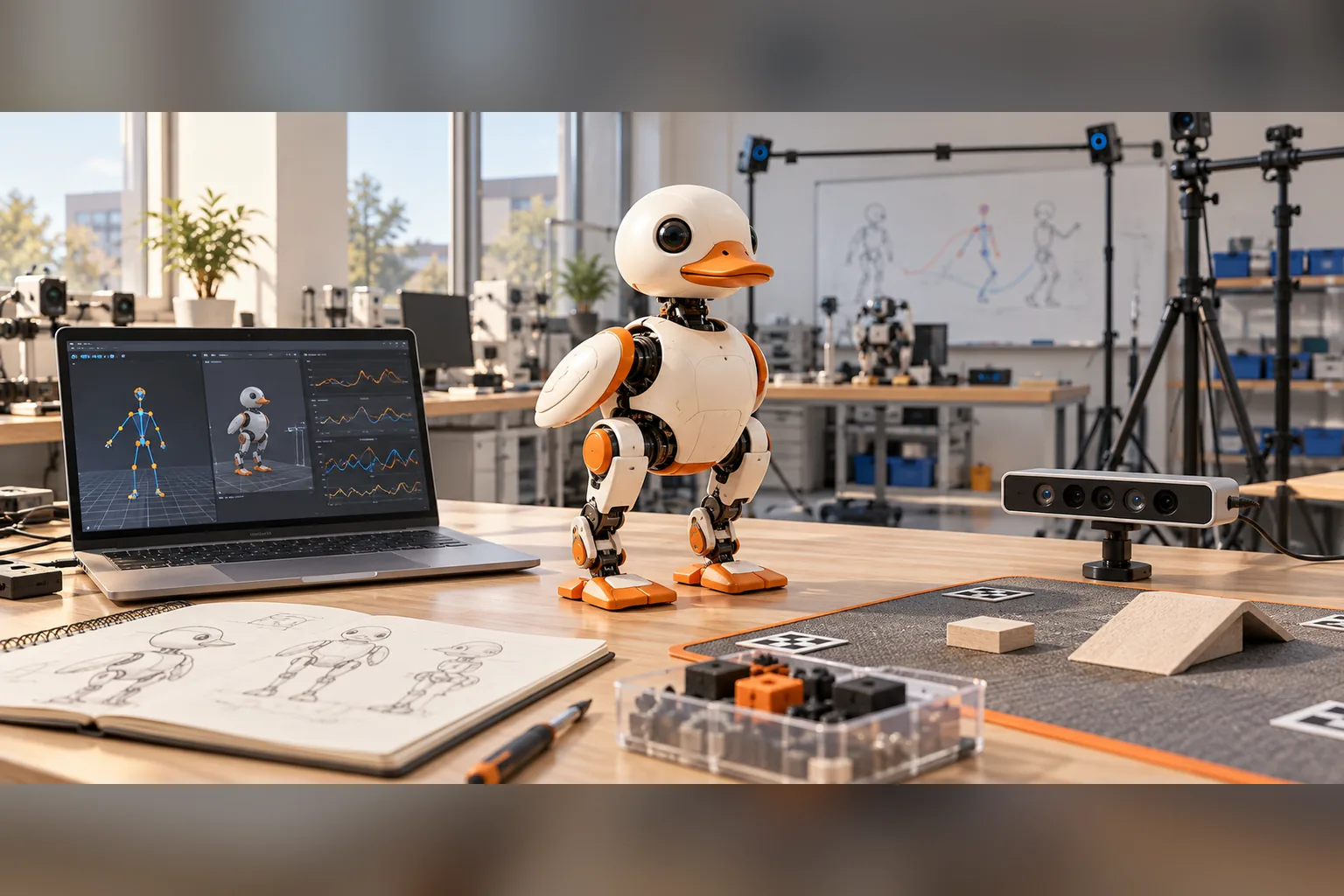
Microduck is a practical research platform for small-scale legged locomotion, sim-to-real transfer and reproducible policy experiments. The $399 robot ships assembled with a Python SDK, simulator and published reinforcement-learning stack, which removes the mechanical build that would otherwise delay the first experiment.
It is not a universal embodied-AI platform. Microduck is best suited to desk-scale locomotion and control studies, not high-payload manipulation, long-endurance field robotics or experiments that require a full-size humanoid.
What research problems fit Microduck?
Microduck fits research questions where a compact walking robot provides enough sensing, control authority and software access to measure a clear outcome.
| Research workload | Fit | Reason |
|---|---|---|
| Sim-to-real locomotion | High | Public mjlab training, MuJoCo Warp simulation and ONNX deployment |
| Reward and curriculum design | High | Multiple walk, turn, recovery and interaction behaviours |
| Policy robustness | High | Two IMUs, contact-rich movement and repeatable desk-scale trials |
| Low-level control experiments | Medium | Exposed daemon and runtime architecture; hardware design is not fully open |
| Human-robot interaction | Medium | Camera, microphones and speaker, but Reachy Mini is more interaction-focused |
| Fine manipulation | Low | The beak can grab, but Microduck is not a multi-axis manipulation arm |
| Fleet-scale or outdoor autonomy | Low | It is a 25 cm pre-order robot with a desk-scale operating envelope |
What hardware and software does Microduck provide?
The published system includes a 25 cm biped with 15 motors, a camera, LiDAR, two IMUs, microphones, a speaker and NFC. The onboard compute is an RK3566-class board. The current policy runtime maps 61 observations to 14 joint targets at 50 Hz.
| Layer | Research-relevant capability |
|---|---|
| Robot | Assembled and calibrated biped with seven trained behaviours |
| SDK | Python access to robot state, intents and policy operations |
| Simulation | Browser entry point plus local mjlab environments |
| Training | MuJoCo Warp, PPO, actuator modelling and domain randomization |
| Policy format | ONNX with a defined observation/action contract and manifest |
| Runtime | Rust daemons with JSON-RPC over Unix sockets and an onboard safety boundary |
| Openness | Software under Apache-2.0; complete hardware design files are not published |
The specs page holds the published hardware numbers. The architecture guide explains why clients request intents instead of writing directly to the motor bus.
How should a lab evaluate Microduck before buying?
Evaluate Microduck against the experiment, not against a general “AI robot” checklist.
- Define the research question. Write the independent variable, measurable outcome and stopping condition.
- Check the operating envelope. Confirm that a 25 cm walking robot can produce the required motion and observations.
- Inspect the software contract. Verify that the Python SDK, simulator and policy interface expose what the study needs.
- Plan the evaluation. Use fixed starting states, scenario suites and safety gates as described in the policy evaluation guide.
- Decide what must be open. Microduck opens its software and RL stack, not the complete hardware manufacturing package.
- Budget compute and time. Training needs suitable CUDA hardware or hosted compute; a first custom policy can take days to weeks.
If the study requires manipulation, compare an arm such as LeRobot SO-101. If it centres on speech, eye contact and app interaction, Reachy Mini is the more direct platform. If the body itself must be published and rebuilt, Open Duck Mini is the better research object.
What does a reproducible Microduck experiment look like?
A reproducible experiment should preserve the complete path from environment to physical trial:
- the exact robot software and training repository revisions;
- simulator version, scene and random seed set;
- policy checkpoint, exported ONNX file and manifest;
- training reward, randomization ranges and observation contract;
- evaluation scenarios and acceptance thresholds;
- surface, battery state, operator rules and physical safety setup;
- per-episode metrics, failure categories and intervention counts;
- a replay or log reference for every critical failure.
This record makes it possible to distinguish a policy improvement from a changed test setup. Microduck’s ONNX exporter and manifest contract help preserve the runtime side of that lineage.
How can a lab deploy a custom Microduck policy?
Train and export through the public tooling, then follow the same staged deployment as any learned controller:
- Replay the policy in the training simulator.
- Validate the ONNX shape and manifest against the robot runtime.
- Run it with the robot on a stand.
- Verify simulated and physical stop/reset behaviour.
- Run short supervised trials on a clear surface.
- Keep the official policy available as the reset baseline.
The policies guide covers install, export, reset and safe loading. The training compute guide separates local CUDA training from Hugging Face Jobs.
What are Microduck’s research limitations?
Microduck’s limitations should be part of the study design:
- the board is not an NVIDIA GPU workstation;
- the mechanical and electronic manufacturing files are not complete open hardware;
- the compact form limits payload, workspace and sensor placement;
- autonomous navigation, camera resolution and LiDAR range should be checked against current documentation before relying on them;
- the robot is a pre-order product, so availability and delivery affect experiment scheduling;
- custom policies can fall, overheat or find unsafe behaviours and require supervision.
Microduck AI research FAQ
Is Microduck suitable for AI research? Yes for small-scale legged locomotion, sim-to-real and policy-robustness studies. It is not a general replacement for manipulation arms or full-size research robots.
Can researchers train their own policies? Yes. The public stack includes simulation, training, ONNX export and policy runtime interfaces.
Do labs need an NVIDIA workstation? Not to drive the robot. Serious local policy training benefits from a CUDA-capable GPU; Hugging Face Jobs is the documented hosted alternative.
Is the hardware fully open? No. The software, SDK, simulator and RL stack are open, but complete mechanical and electronic design files are not published.
Can Microduck run ROS 2? The published runtime is a Rust daemon stack with JSON-RPC over Unix sockets, not a ROS 2 graph.
What should a lab compare before buying? The research question, required sensing, policy interface, hardware openness, experiment scale, compute budget and delivery timing.
Key takeaways
- Microduck is strongest as a compact sim-to-real and locomotion research platform.
- The assembled robot reduces mechanical risk but is not open-source hardware.
- Python SDK, simulation, PPO training and ONNX deployment create a complete experiment path.
- Reproducibility requires logging repository revisions, policy files, scenarios and physical conditions.
- Manipulation, interaction and large-platform research need different hardware.
- Custom policies belong behind contract checks, bench tests and supervised physical trials.
Where to go next
- Sim-to-real robotics - the general transfer workflow
- Robot policy evaluation - build the experiment evidence
- Biped robot reinforcement learning - locomotion-specific design
- Microduck specs - published hardware numbers
- Microduck GitHub - repositories and licences
- Pre-order Microduck - $399 before taxes and shipping