
3D Printed Biped Robot: Files, Materials and Reality
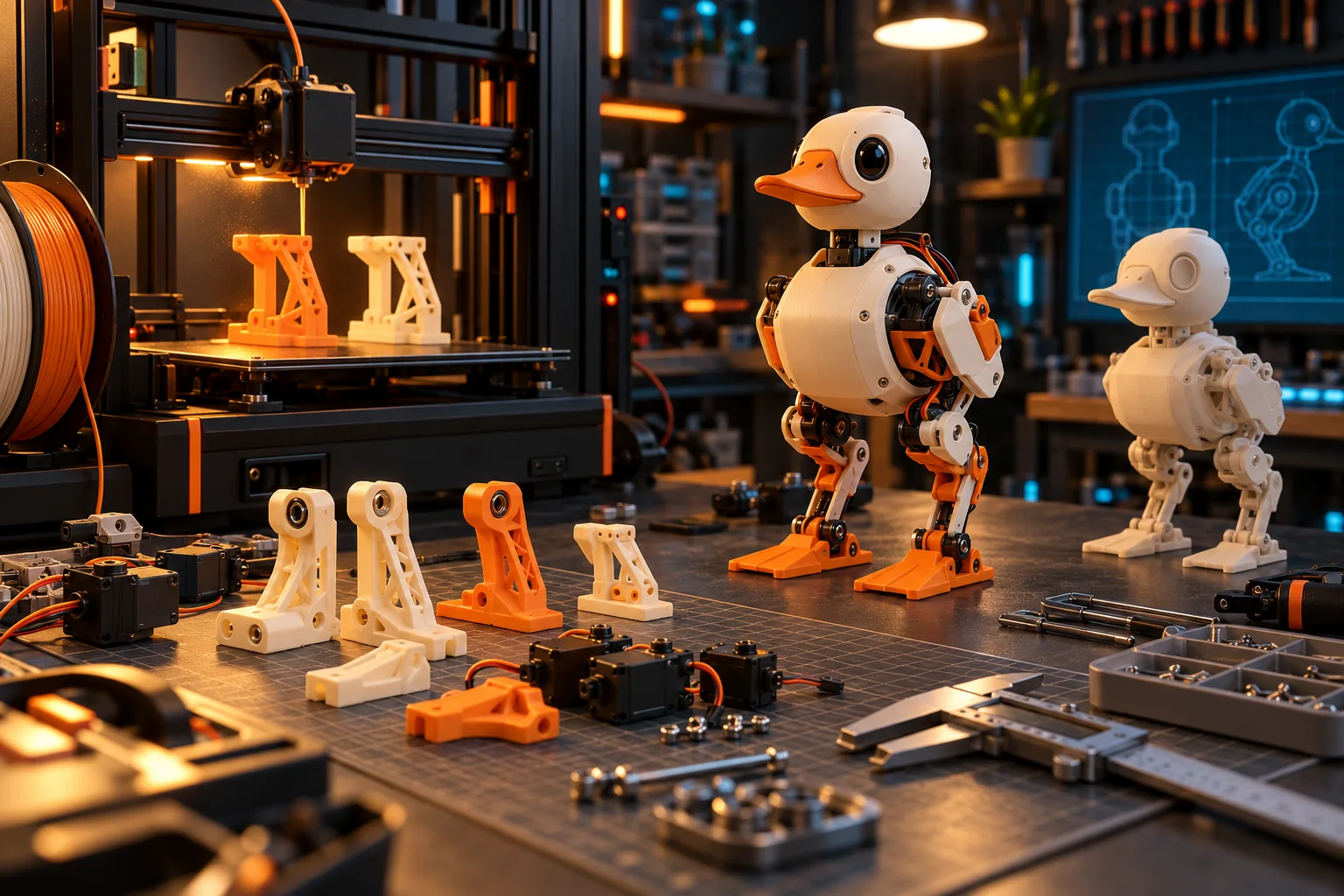
Printable biped robots exist, but a public STL does not prove that the robot is print-ready. Open Duck Mini v2 publishes a full build path with CAD, print, assembly and BOM resources. Microduck publishes simulation and visual STL meshes, but not a complete manufacturing package. The difference determines whether you are starting a build project or inspecting a model.
This guide explains what files matter, how to judge printability, and where a 3D-printed robot design commonly fails before the first step.
What counts as a 3D-printed biped robot?
A 3D-printed biped uses printed parts in its structural chain, usually the body, legs, brackets and feet. The robot may still depend on metal bearings, fasteners, servo motors, electronics and a battery.
| Project | What is published | Is it a complete print-ready robot? |
|---|---|---|
| Open Duck Mini v2 | CAD, print guide, BOM, wiring, assembly and runtime resources | It is a full community build project, with work still required |
| Microduck | 43 robot meshes and 11 test-bench meshes for simulation and visual reference | No complete manufacturing package is published |
| Generic Thingiverse model | Varies, often only cosmetic shells | Usually not; mechanisms and tolerances may be missing |
The useful unit is a reproducible build package: files plus the actuator, fastener, electronics, calibration and software assumptions behind them.
What files do you need to print a working biped?
You need geometry that matches a documented mechanism, not just an attractive shell. The minimum credible package includes printable parts, a complete BOM, an assembly order and the firmware or runtime those parts assume.
- Geometry: STL for printing plus STEP or native CAD for modification.
- Mechanism: joint axes, bearing seats, motor mounts and fastener clearances.
- BOM: exact servos, controller, battery, bearings, screws and wiring.
- Print guide: material, orientation, walls, infill and supports where needed.
- Assembly guide: sequence, torque, alignment and cable routing.
- Calibration: motor IDs, zero positions, limits and actuator identification.
- Runtime: code that can drive the exact hardware revision.
Open Duck Mini v2 links separate CAD, print, assembly and simulation material from its v2 repository. That separation makes it easier to see which part of the build is still incomplete.
Can every Microduck STL be printed?
No. Microduck's published meshes are intended for simulation, visual reference and modification work, not as a complete load-bearing manufacturing kit. The files are useful, but they do not automatically include printer tolerances, fastener clearances or a supported assembly sequence.
Microduck publishes 43 robot STL meshes and 11 XL330 test-bench meshes under CC BY-NC-SA 4.0. The software uses Apache-2.0, but that software licence does not relicense the models. Read the full Microduck 3D print and replica boundary before slicing or sharing a commercial kit.
For a complete printable biped build, Open Duck Mini v2 is the more appropriate starting point.
What should you print first?
Print a fit-test coupon for each critical interface before committing to a full set of legs. Bearing pockets, horn splines, fastener holes and base thickness matter more than a complete cosmetic shell.
Start with:
- one foot and ankle mount;
- one knee or hip bracket;
- the servo-horn interface;
- the battery and controller tray;
- a small calibration stand.
Check the fit with the exact motor and fastener from the BOM. A dimension that is acceptable in CAD can become an interference fit after printer shrinkage, elephant-foot compensation and paint.
Which material should a biped robot use?
Use the material specified by the robot designer, then validate the loaded joints in your own printer. The right filament cannot compensate for a weak joint layout, and a generic material recommendation cannot replace the original design data.
For trial parts, print in the specified material and standard orientation first. Changing to a stiffer or more flexible filament changes both structural behaviour and the dynamics the controller expects. A robot that balances on two legs is more sensitive to mass, compliance and backlash than a static enclosure.
Do not mix material changes with unrelated geometry changes during the first build. Test one variable at a time.
Why do printed bipeds fail?
Printed bipeds usually fail from compounding mechanical errors: weak layer orientation, loose motor horns, bearing misalignment, friction, insufficient torque, cable snagging or a centre of mass far from the assumed value.
The controller then meets a robot that no longer matches its model. Reinforcement learning can make the control more robust, but it cannot repair a slipping horn or a joint that binds in one direction.
| Failure | Mechanical symptom | Check |
|---|---|---|
| Weak layer direction | Crack propagates between layers | Reorient loaded features and follow the print guide |
| Horn slip | Leg angle drifts after repeated steps | Inspect horn engagement and tightening method |
| Bearing misalignment | One direction draws more current | Check bearing seats, shaft alignment and free motion |
| Fastener clearance | Parts clamp the joint | Ream or adjust the interface without removing structural material |
| Cable snag | Step changes or sudden torque spikes | Route cables away from the full joint range |
| Excessive mass | Higher current and shorter steps | Use the BOM and validate the centre of mass |
Do not compensate for every mechanical defect with a firmware gain. First make each joint move freely through its range without power.
How much does a 3D-printed biped robot cost?
A printable biped can exceed an assembled robot once motors, electronics, tools, failed prints, shipping and calibration time are counted. The Open Duck Mini v2 parts target is below $400, but the official BOM is not a complete project invoice.
Budget these categories:
- servos and controller;
- computer or companion board;
- camera, LiDAR and other sensors where supported;
- bearings, shafts, fasteners and inserts;
- battery, charger and power protection;
- filament, failed prints and print-service fees;
- tools, shipping, tax and spare actuators;
- assembly, calibration and debugging time.
The Open Duck Mini build-cost breakdown shows why a BOM target and a finished robot price answer different questions.
What is the safest first test?
Test the robot on a stand or with its feet clear of the edge, with current limits and an operator ready to cut power. Confirm joint numbering, direction, limits and the emergency stop before running a learned gait.
Then move to a low-clearance bench test, followed by short supervised floor runs. Keep the original policy and configuration so a failed experiment can be reversed.
3D-printed biped robot FAQ
Can you 3D print a complete biped robot? Yes, Open Duck Mini v2 is one current project path. The printable files are only one part of the BOM, assembly, calibration and runtime work.
Can I print Microduck from its STLs? The published Microduck meshes support simulation, visual reference and mods, not a complete official manufacturing package.
Which print material is best? Use the material and orientation specified by the project designer for the first build. Validate loaded joints before changing filament.
How long does printing take? It depends on the printer, part count and failure rate. Budget removal and finishing time as well as machine time.
Can I sell printed parts? Check the exact model licence. Microduck's meshes use CC BY-NC-SA 4.0, which excludes commercial use without separate permission.
Is a printed robot cheaper than buying one? Not necessarily. Add motors, electronics, tools, spares, shipping, failed prints and labour before comparing it with an assembled robot.
Key takeaways
- Print-ready means geometry plus mechanics, BOM, assembly, calibration and runtime.
- Open Duck Mini v2 is the full printable build path in this comparison.
- Microduck's STLs are simulation and visual meshes, not an official manufacturing kit.
- Validate one joint interface before printing the whole robot.
- Printed-part failures often appear as control problems.
Where to go next
- Open source biped robot - compare software and hardware openness
- DIY biped robot kit - choose a build, print or assembled route
- How to build a biped robot - the engineering sequence
- Microduck 3D print guide - the official file and licence boundary
- Open Duck Mini v2 build cost - project budget
- Microduck vs Open Duck Mini - buy or build