
Open Source Biped Robots: Build or Buy Guide (2026)
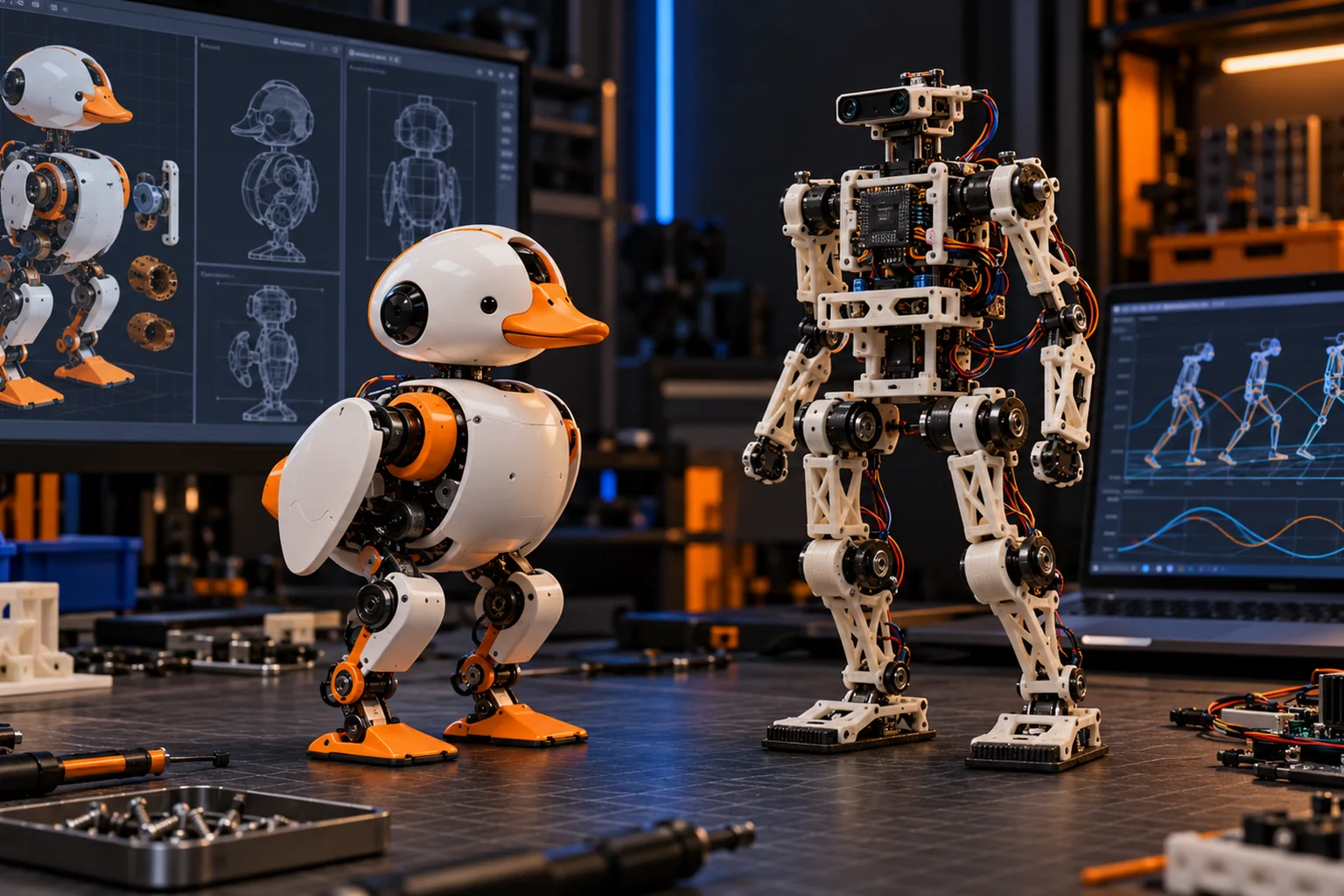
The strongest fully open DIY biped option is Open Duck Mini v2. The shortest route to an assembled, retrainable walking robot is Microduck, whose software is open but whose complete hardware manufacturing files are not public. Those are different definitions of “open source”, and choosing the right one matters more than comparing a checklist of repository names.
This guide separates software, simulation and hardware openness so you can decide whether you want to inspect every mechanism or spend your time training and testing locomotion policies.
What does “open-source biped robot” mean?
An open-source biped robot publishes at least one layer of its design under a reusable licence. The useful question is which layers are open: software only, simulation models, mechanical files, electronics, or a reproducible build package.
| Layer | What to check | Why it matters |
|---|---|---|
| Robot runtime | Source repository, licence, build instructions | You can modify how the physical robot executes commands |
| SDK and APIs | Documented interfaces and examples | You can integrate sensors and write your own applications |
| Simulation | MJCF or URDF, environments, training code | You can test controllers before buying or building hardware |
| Policy workflow | Training recipes and export format | You can replace supplied behaviours rather than only configure them |
| Mechanical design | STEP/CAD, print files, tolerances | You can repair, manufacture or change the structure |
| Electronics | Schematics, PCB files, wiring and BOM | You can source, repair and modify the control system |
| Calibration | Assembly order, zeroing, actuator identification | Another builder can reproduce a working robot |
“Available on GitHub” is not enough. A project should make each claim specific, link the licence, and explain what a new builder can actually reproduce.
Which open-source biped robots can you choose?
Open Duck Mini v2 is the clearest full-project option for a printable biped. Microduck is the stronger choice when assembled hardware and a published policy loop matter more than owning the mechanical design.
| Robot | Open software | Open mechanical design | Assembly | Best fit |
|---|---|---|---|---|
| Open Duck Mini v2 | Runtime and training resources are published | CAD, BOM and print paths are published | Full print, source, assemble and calibrate project | Learning the complete robot stack |
| Microduck | Apache-2.0 software, simulator and RL stack | Complete manufacturing package is not published | Arrives assembled and calibrated | Testing locomotion policies without first building hardware |
Microduck is a 25 cm, roughly 800 g biped with 15 motors, a camera, LiDAR, two IMUs and a 50 Hz onboard control loop. Its public repositories cover the robot software and training workflow, while the hardware still remains a supported product rather than an open manufacturing kit.
Open Duck Mini v2 is a community project around a miniature Disney BDX-style droid. Its v2 repository links CAD, a bill of materials, print and assembly guides, an embedded runtime and MuJoCo training work. The published BOM target is below $400, but printing, tools, failed parts, shipping and tax sit outside that target.
Is Microduck fully open source?
No. Microduck is open-source software on a partly open hardware platform. The robot runtime, SDK, simulator and reinforcement-learning environments are public under Apache-2.0, but complete mechanical and electronic manufacturing files are not published.
That distinction does not make the software claim cosmetic. You can inspect the daemon architecture, run the simulator, train with mjlab and MuJoCo, export an ONNX policy and deploy it to the physical robot. What you cannot do is download an official package and manufacture every part of a supported clone.
Read what Microduck actually publishes, the 3D printing boundary and the software architecture before treating it as a full hardware project.
What should you verify before choosing a project?
Verify that the repository's latest revision still matches the parts, firmware and calibration guide a new builder will use. Open-source robotics often fails at integration rather than at the headline CAD file.
Run these checks in order:
- Open the licence and confirm commercial and derivative-use terms.
- Find the exact hardware revision covered by the BOM and assembly guide.
- Confirm the simulator model matches the physical joint layout.
- Follow the training-to-export path in the repository.
- Check whether spare parts and replacement actuators are still available.
- Read recent build reports and unresolved issues.
- Budget for tools, calibration time and failed components.
The Open Duck Mini v2 repository is a useful example because it links separate CAD, print, assembly, wiring, runtime and sim-to-real resources. The Microduck repository exposes the robot software, while the microduck_rl repository contains the training side.
When is open hardware worth the extra work?
Open hardware is worth it when the physical design is part of your research, teaching or creative goal. If you need to change link lengths, substitute actuators, repair a discontinued part or study the complete electromechanical stack, software-only openness is not enough.
Choose the fully open build path if:
- you want to learn CAD, printing, wiring and embedded runtime together;
- your experiment depends on changing the body;
- you can tolerate weeks of assembly and calibration;
- you value a reproducible BOM more than finished-product support;
- you are prepared to debug integration problems.
Choose the assembled path if:
- your main question is about policies, sensing or interaction;
- you need a reliable baseline before changing hardware;
- you want to spend time on simulation and evaluation, not procurement;
- you need support and a known-good calibration;
- the robot is a tool for another project rather than the project itself.
Open source does not mean zero cost
A public bill of materials is not a delivered price. Add printer time, failed prints, fasteners, tools, shipping, import tax, spare servos and the hours required to assemble and calibrate. A completed robot can still be the cheaper option once labour and product support are included.
Compare complete paths:
| Cost | Full-build project | Assembled platform |
|---|---|---|
| Parts | BOM plus spares | Included in list price |
| Manufacturing | Printer or print service | Included |
| Tools | Required | Basic charging only |
| Calibration | Owner responsibility | Completed before delivery |
| Support | Community and documentation | Product support channel |
| Learning value | Whole stack | Software, policy and experiment layer |
Use the Open Duck Mini build-cost guide for a project-budget breakdown and Microduck cost for the finished robot and optional packs.
Which option should you choose?
Choose Open Duck Mini v2 for a full open robot-building project. Choose Microduck when you want a finished walking platform with an open policy and simulator stack.
If you want to compare the two directly, read Microduck vs Open Duck Mini. If you are still defining the project, start with how to build a biped robot, then decide between a DIY kit route and 3D printing the structure.
Open-source biped robot FAQ
What is the best open-source biped robot for a beginner? Open Duck Mini v2 is the clearest project when you want to build the whole robot. Microduck is easier for learning policies because it arrives assembled.
Is Microduck open-source hardware? No. Its software and training stack are open under Apache-2.0, but complete mechanical and electronic design files are not published.
Can I build Open Duck Mini v2 from the official files? The v2 repository publishes CAD, print and assembly documentation, a BOM path and runtime resources. It requires substantial printing, sourcing and calibration work.
Does open source mean I can sell copies? Only if the project's licence allows it. Software and hardware files may use different licences, and non-commercial model terms can apply even when the runtime is permissively licensed.
Which project is better for reinforcement learning? Both provide a policy workflow. Microduck shortens the path to an assembled test platform; Open Duck exposes more of the body and integration work.
How much engineering skill do I need? An assembled robot still benefits from Python and Linux experience. A full build adds CAD, 3D printing, soldering, actuator setup and mechanical troubleshooting.
Key takeaways
- Open source must be evaluated layer by layer, not as a single label.
- Open Duck Mini v2 is the stronger full-build option.
- Microduck is open software on a supported, not fully open, hardware platform.
- Verification should include licences, revision-specific BOMs, runtime, simulation and calibration.
- A BOM target is not the complete cost of building a reliable robot.
Where to go next
- How to build a biped robot - the full design and test sequence
- 3D printed biped robot - files, materials and print readiness
- DIY biped robot kit - compare build and assembled routes
- Microduck DIY - what Microduck publishes
- Microduck 3D print guide - the official Microduck file boundary
- Open Duck Mini v2 build cost - budget the complete project